



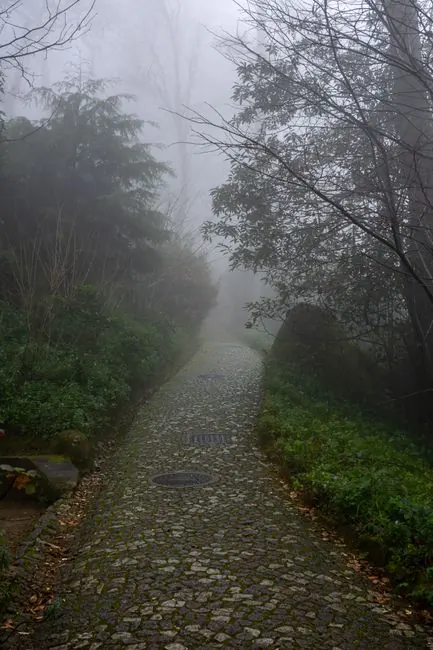










The slow train to Flåm
Flåm, Norway, Jul 2025. 31 photos
 Pinlyy
Pinlyy is a travel map and photo journal for iPhone. It finds the trips already in your camera roll, lets you keep the moments that matter, and gives those memories a place on your personal map.
Free download · iOS 26.0 or later · Optional Pro features
Your camera roll is a travel diary nobody wrote down. Pinlyy reads the dates and available locations attached to your photos, right on your iPhone.
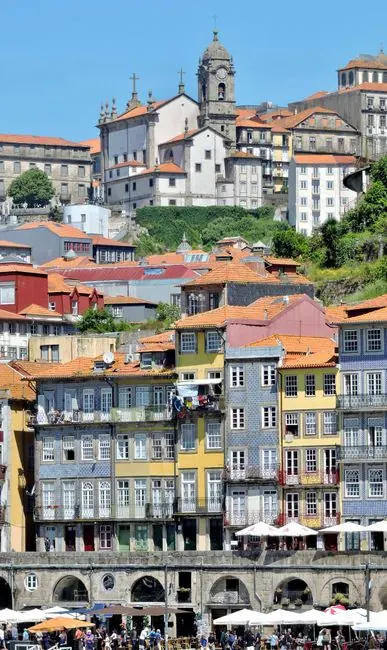
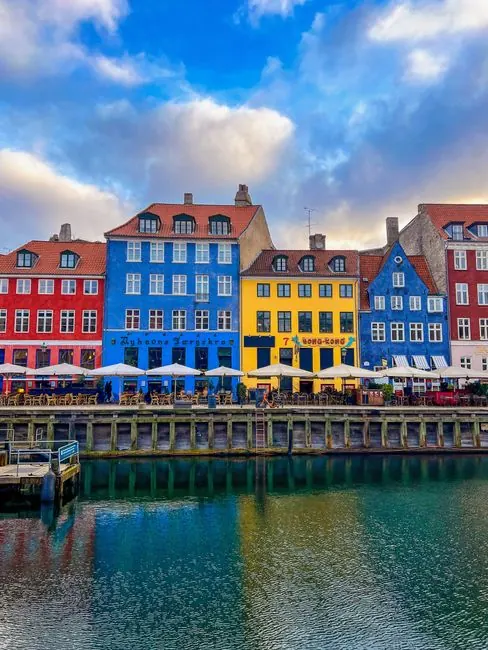
Twenty-four photos from six years become four trips: Lisbon, Copenhagen, the Dolomites and Bergen. Even the weekend you’d forgotten.
Review the places behind each suggested trip before choosing what to keep.
Pinlyy looks through your photos on your device, with Apple’s own Photos and Vision frameworks. Your library is never uploaded, and never becomes a cloud photo index.
Keep a moment and it becomes a memory on your map. Only content you deliberately save, such as Memory photos or Keepsakes, can sync. Let a suggestion go and its photos stay in your camera roll.
 KeepLet go
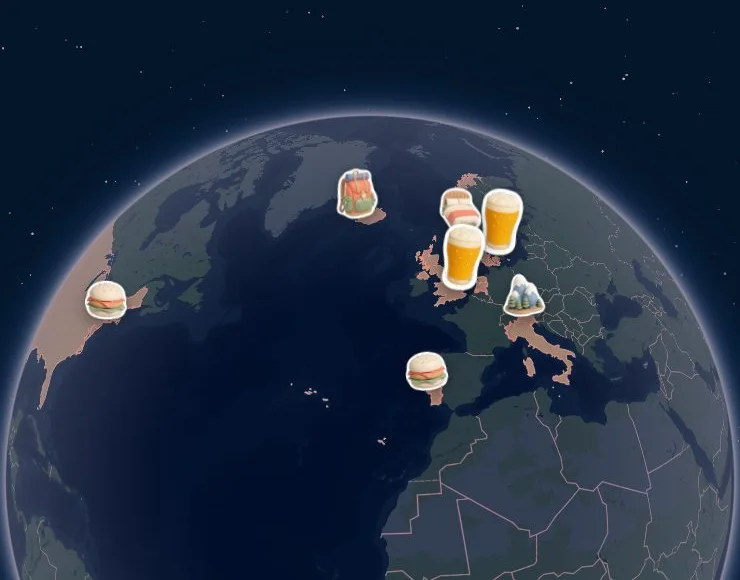
Countries with a kept Memory colour in. Zoom out, and see the places you chose to remember, all at once.
The same world, five ways. Classic comes with Pinlyy; Midnight, Postcard, Terrain and Mono come with Pro.
Pick one to try it
Warm, quiet geography that keeps your memories first.
A dark world with luminous personal geography.
Faded cartography that lets photos carry the colour.
Shaded relief and real elevation, so mountains and valleys show.
Near-monochrome geography with your Atlas as the colour.
Each memory keeps the photos you chose, the note only you could write, the weather that day and the exact spot on the map.
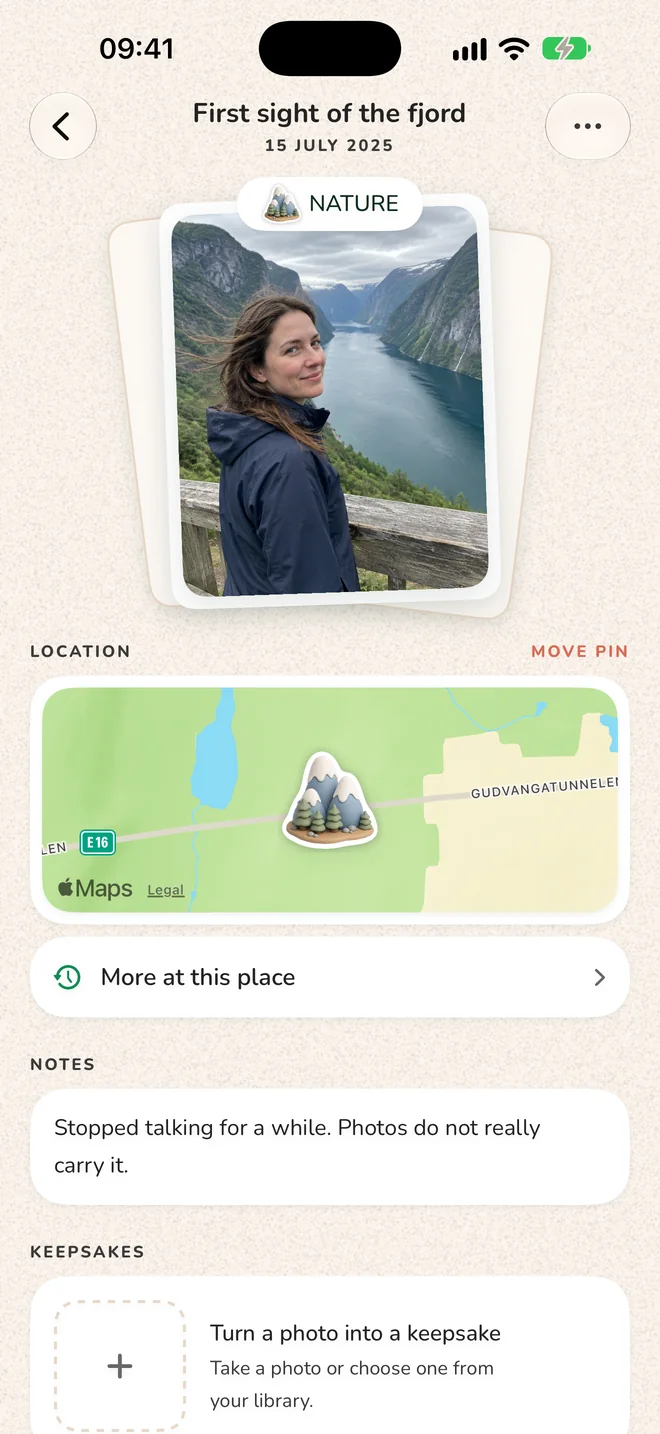
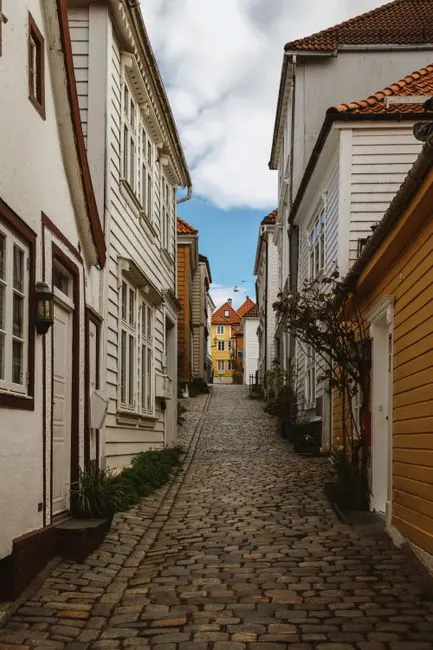
Stopped talking for a while. Photos do not really carry it.Aurland, 18 July 2025
The ticket stub, the sticker, the note on a napkin. Snap it, and Pinlyy lifts it off the table to keep beside the memory.
Build a trip city by city with the places you want to see. Confirm the places you visit, then choose which moments to keep as Memories.
22° and bright in Lisbon, rain on Thursday — your Sintra day, so pack a jacket.
18:41 at Miradouro da Senhora do Monte, calculated on your phone for every stop.
Euro. Type F plugs. Tap water is safe. Tipping is small change.
The whole trip in your calendar in a tap, with opening hours from Apple Maps.
Saw a place in a screenshot or a shared link? Send it to Pinlyy and it’s waiting when you plan.
Create a trip magnet from your saved photos and Keepsakes. With Pro, choose a ceramic edition made from selected moments you kept.

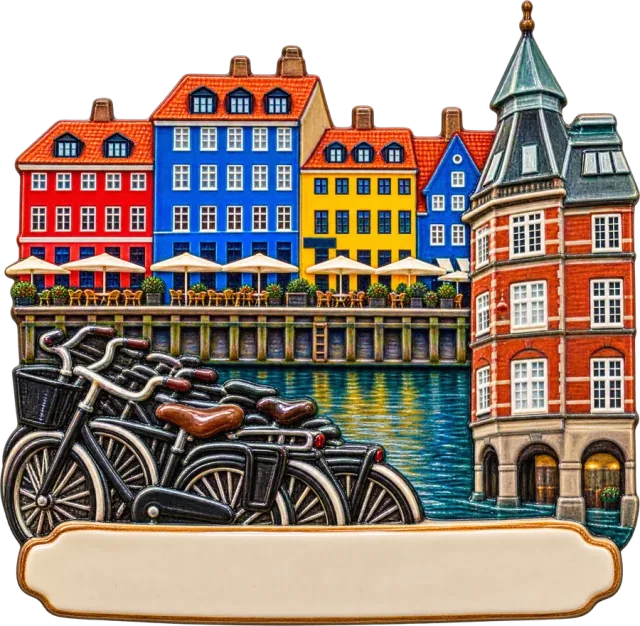


Go on, move them around.
Free
Discovery, memories, your Atlas, Passport, keepsakes and trip planning. Everything you keep stays viewable, editable, exportable and deletable on the free plan, even after Pro ends.
For the whole atlas
Plans and prices are shown in the app, in your currency, before you buy.
Pinlyy is a travel map and photo journal for iPhone. It finds travel chapters and moments in the photos you already have, lets you choose what becomes a Memory, and helps you recall the places that matter.
With your permission, Pinlyy reads dates and available locations from Apple Photos on your iPhone and suggests local travel chapters and Moment Candidates. Photos create candidates; you decide what to keep as a Memory.
No whole library is uploaded for discovery. Discovery and photo analysis happen on your iPhone. Photos you deliberately save to a Memory or Keepsake can sync as part of that artifact. Optional ceramic crafting sends only the selected source images to OpenAI after you consent.
Pinlyy can work with the Photos you choose, but discovery can only use that subset. Missing location data can make a suggestion less complete. You can always add a Memory yourself or capture/import a Keepsake manually.
Plan is where you intend to go. Visited records a place you actually went. Memory is the meaning you deliberately preserve. Planning never creates a Memory automatically, and marking a place visited does not create one either.
The Atlas can reflect places represented by the Photos you can access and the Memories you keep. Passport stamps countries with a kept Memory. It cannot promise a complete history when Photos access or location data is missing.
Yes. Build a city-based plan, save places you want to see, and open a Trip Brief for local time difference, currency and exchange rate, plug type, emergency number, weather certainty and golden hour. Calendar export and Apple Maps place details are separate actions. A plan stays a plan until you confirm what you actually visited or choose a Memory.
Pinlyy can make a free cutout souvenir from content you choose to keep. Pro ceramic crafting is an explicit opt-in: you select 1–5 already-owned Memory images or Keepsakes, consent to processing, and OpenAI receives those selected images. Discovery never sends your library automatically.
Pinlyy has a free starting experience, and content you own remains accessible. Pro availability and pricing are shown in the app; they may include continued discovery, more photos per Memory, Atlas themes and ceramic crafting.
Not yet. Pinlyy is made for iPhone.
Download Pinlyy free on iPhone and start with a trip you want to remember.
 14° and drizzle that day